Getting Started
Getting Started
LT App is a scheduling and reflection system built around one idea: that your time is either signal or noise, and it matters which is which.
Signal is what you do that is aligned with something you have decided matters. Noise is what you do that is not. The app does not judge — it simply asks you to notice the difference, and it keeps a record so that you can see the pattern over time.
Who it is for
This app is for someone who is already trying to build a life and wants a tool that respects the effort.
It is not for someone who wants a productivity system with a hundred features. It is not for someone who wants to be gamified into action. It is not a replacement for a to-do list — though you can use it as one.
It is for someone who wants to plan their time carefully, look back at it honestly, and see, over months, where the effort actually went.
The three pillars
The app is built on three things, in this order.
First, planning. You schedule recurring rituals — lectures, gym sessions, study blocks — and one-off tasks. The calendar shows you what is coming. It does not tell you what to do. It shows you what you said you would do.
Second, contingency. Plans change. A class moves, a task runs long, a session gets rescheduled. The app treats these departures as first-class events, not failures. You can drag a session to a new hour, create a deviation, or convert a task between types. Nothing breaks. The record simply reflects what actually happened.
Third, reflection. After events pass, the app asks you how they went. Daily. Weekly. Monthly. Per goal. The questions are open-ended — no scales, no ratings, no checkboxes. You write in your own words, and the app keeps the record so you can read it later.
A first week
If you are opening the app for the first time, here is the natural sequence.
- Create a subject. A subject is a course, a project, or a domain of your life. Give it a short code and a full name.
- Add rituals to it. A ritual is anything that repeats — a weekly lecture, a Tuesday practical, a daily workout. Rituals live inside subjects.
- Add goals if you have them. A goal is something you want to achieve over time. Goals can be broken into sub-goals, and tasks can be linked to them.
- Use the calendar. The week view is the default. From there you can navigate to a day, an hour, a month, or the whole year.
- Complete a task. When you finish something, mark it complete. The app will ask how long it actually took. This is how signal accumulates.
- Reflect when you are ready. The floating 💭 button opens a reflection at any time. You do not have to reflect today. But if you do, it will be waiting for you later.
There is no correct order beyond this. The app does not rush you.
A note on the app's voice
This app is quieter than most productivity software.
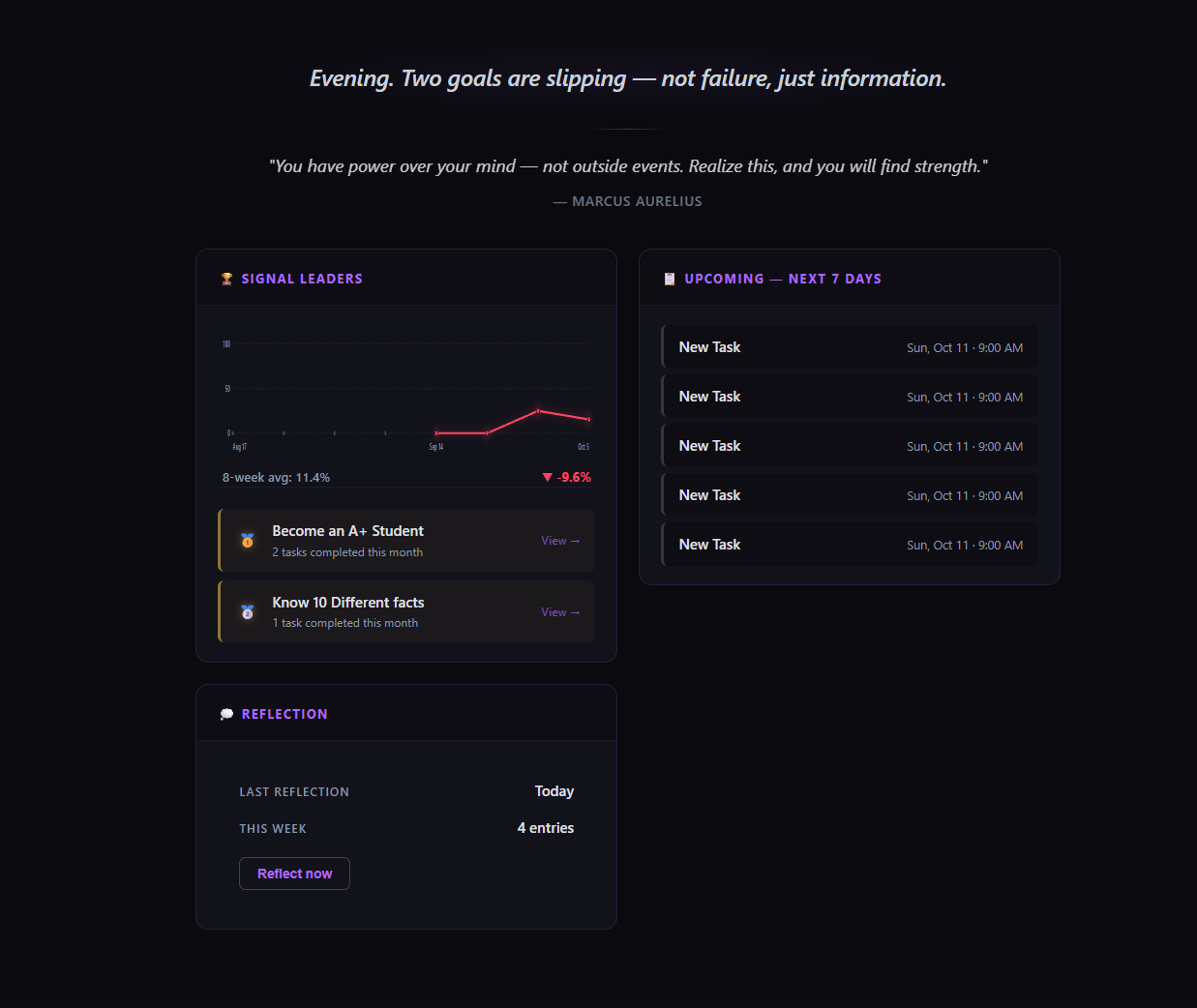
It does not congratulate you on small actions. It does not nag when you miss a day. It does not put badges on things or flash notifications. The dashboard will greet you with a sentence, not a smiley face. The Arena will show you what you have done, not celebrate it.
That is deliberate. The app is designed for use over months and years, and celebration that fires on every small thing turns meaning into noise. What the app offers instead is a record — patient, honest, and yours.
Where to go next
If you want to understand the app's building blocks, read [Subjects & Rituals].
If you want to see how time is displayed, read Calendar Views.
If you want to know how the app measures your progress, read Progression.
If you want a reference for what every part of the app does, the sidebar on the left has all eleven sections.
> The app does not demand anything of you. It simply waits, and remembers.